
このページとあなたの好きなAIアシスタントを使ってドキュメントを要約します
バージョン履歴
- "Solid の useIntlayer API の使用法を直接プロパティアクセスに更新"v8.9.02026/5/4
- "initコマンドを追加"v8.0.02025/12/30
- "履歴の初期化"v5.5.102025/6/29
このページのコンテンツはAIを使用して翻訳されました。
英語の元のコンテンツの最新バージョンを見るこのドキュメントを改善するアイデアがある場合は、GitHubでプルリクエストを送信することで自由に貢献してください。
ドキュメントへのGitHubリンクドキュメントのMarkdownをクリップボードにコピー
Intlayerを使用してAngular 19 (Webpack)ウェブサイトを翻訳する
目次
代替手段ではなく Interlayer を使用する理由
「ngx-translate」や「angular-l10n」などの主要なソリューションと比較して、Intlayer は次のような統合された最適化を備えたソリューションです。
Intlayer は、コンポーネント レベルのコンテンツ スコープ、遅延読み込み、および国際化 (i18n) のスケーリングに必要なすべての機能を提供することにより、Angular と完全に連携するように最適化されています。
大量の JSON ファイルをページにロードするのではなく、必要なコンテンツのみをロードします。 Intlayer は、バンドルとページのサイズを最大 50% 削減するのに役立ちます。
アプリケーションのコンテンツのスコープを設定すると、大規模なアプリケーションの メンテナンスが容易になります。コンテンツ コードベース全体を確認するという精神的な負担を負うことなく、単一の機能フォルダーを複製または削除できます。さらに、Intlayer は完全に型指定されており、コンテンツの正確性を保証します。
コンテンツを同じ場所に配置すると、大規模言語モデル (LLM) によって 必要なコンテキストが削減されます。 Intlayer には、翻訳の欠落をテストする CLI、LSP、MCP などのツール スイートも付属しています。および agent skills により、AI エージェントの開発者エクスペリエンス (DX) がさらにスムーズになります。
AI プロバイダーの費用で、選択した LLM を使用して CI/CD パイプラインで自動化を変換します。 Intlayer は、コンテンツ抽出を自動化する コンパイラー と、バックグラウンドでの翻訳を支援する Web プラットフォーム も提供します。
大量の JSON ファイルをコンポーネントに接続すると、パフォーマンスと反応性の問題が発生する可能性があります。 Intlayer は、ビルド時のコンテンツの読み込みを最適化します。
Intlayer は単なる i18n ソリューションではなく、自己ホスト型 ビジュアル エディター と 完全な CMS を提供します。 リアルタイムで多言語コンテンツを管理できるようになり、翻訳者、コピーライター、その他のチーム メンバーとのコラボレーションがシームレスになります。コンテンツはローカルおよび/またはリモートに保存できます。
AngularアプリケーションにIntlayerをセットアップするためのステップバイステップガイド
GitHubで アプリケーションテンプレート を確認する。
依存関係のインストール
npmを使用して必要なパッケージをインストールします:
bashコードをコピーコードをクリップボードにコピー
--interactiveフラグはオプションです。AI エージェントの場合はintlayer-cli initを使用してください。このコマンドは環境を検出し、必要なパッケージをインストールします。例えば:
bashコードをコピーコードをクリップボードにコピー
プロジェクトの構成
アーキテクチャ
このアーキテクチャでは、
angular-intlayerがprovideIntlayer()を提供し、src/app/app.config.tsに登録されることで、すべてのコンポーネントがuseIntlayerシグナルを通じてコンテンツを読み取れるようになります。Angular CLI はカスタム Webpack ビルダーに切り替えられ、webpack.config.tsが Intlayer プラグインをビルドにマージしてコンテンツ宣言を監視および再構築します。コンテンツ宣言はsrc/app/内のコンポーネントと一緒に配置されます。bashコードをコピーコードをクリップボードにコピー
設定
アプリケーションの言語を構成するための設定ファイルを作成します:
intlayer.config.tsコードをコピーコードをクリップボードにコピー
import { Locales, type IntlayerConfig } from "intlayer"; const config: IntlayerConfig = { internationalization: { locales: [ Locales.ENGLISH, Locales.FRENCH, Locales.SPANISH, // その他のロケール ], defaultLocale: Locales.ENGLISH, }, }; export default config;この構成ファイルを通じて、ローカライズされたURL、ミドルウェアのリダイレクト、クッキー名、コンテンツ宣言の場所と拡張子、コンソールでのIntlayerログの無効化などを設定できます。利用可能なパラメータの完全なリストについては、構成ドキュメント を参照してください。
Angular構成へのIntlayerの統合
IntlayerをAngular CLIと統合するには、カスタムビルダーを使用する必要があります。このガイドでは、Webpack(多くのAngularプロジェクトのデフォルト)を使用していることを前提としています。
まず、カスタムWebpackビルダーを使用するように
angular.jsonを変更します。buildおよびserveの構成を更新します:angular.jsonコードをコピーコードをクリップボードにコピー
angular.json内のyour-app-nameを実際のプロジェクト名に置き換えてください。次に、プロジェクトのルートに
webpack.config.tsファイルを作成します:webpack.config.tsコードをコピーコードをクリップボードにコピー
mergeConfig関数は、Intlayerを使用してWebpackを構成します。IntlayerPlugin(コンテンツ宣言ファイルを処理するため)を注入し、最適なパフォーマンスのためのエイリアスを設定します。コンテンツの宣言
翻訳を保存するためのコンテンツ宣言を作成および管理します:
src/app/app.content.tsコードをコピーコードをクリップボードにコピー
import { t, type Dictionary } from "intlayer";

const appContent = {
  key: "app",
  content: {
    title: t({
      en: "Hello",
      fr: "Bonjour",
      es: "Hola",
    }),
    congratulations: t({
      en: "Congratulations! Your app is running. 🎉",
      fr: "Félicitations! Votre application est en cours d'exécution. 🎉",
      es: "¡Felicidades! Tu application está en ejecución. 🎉",
    }),
    exploreDocs: t({
      en: "Explore the Docs",
      fr: "Explorer les Docs",
      es: "Explorar los Docs",
    }),
    learnWithTutorials: t({
      en: "Learn with Tutorials",
      fr: "Apprendre avec les Tutoriels",
      es: "Aprender con los Tutorios",
    }),
    cliDocs: "CLI Docs",
    angularLanguageService: t({
      en: "Angular Language Service",
      fr: "Service de Langage Angular",
      es: "Servicio di Lenguaje Angular",
    }),
    angularDevTools: "Angular DevTools",
    github: "Github",
    twitter: "Twitter",
    youtube: "Youtube",
  },
} satisfies Dictionary;

export default appContent;
コンテンツ宣言は、
contentDirディレクトリ(デフォルトは./src)に含まれ、コンテンツ宣言ファイルの拡張子(デフォルトは.content.{json,ts,tsx,js,jsx,mjs,cjs,md,mdx,yaml,yml})に一致していれば、アプリケーション内のどこでも定義できます。詳細については、コンテンツ宣言のドキュメント を参照してください。
コード内でのIntlayerの利用
Angularアプリケーション全体でIntlayerの国際化機能を利用するには、アプリケーションの構成でIntlayerを提供する必要があります。
src/app/app.config.tsコードをコピーコードをクリップボードにコピー
その後、任意のコンポーネント内で
useIntlayer関数を使用できます。src/app/app.component.tsコードをコピーコードをクリップボードにコピー
テンプレート内では以下のようになります:
src/app/app.component.htmlコードをコピーコードをクリップボードにコピー
Intlayerのコンテンツは
Signalとして返されるため、シグナルを呼び出すことで値にアクセスします:content().title。コンテンツの言語を変更する
オプションコンテンツの言語を変更するには、
useLocale関数によって提供されるsetLocale関数を使用できます。これにより、アプリケーションのロケールを設定し、それに応じてコンテンツを更新できます。言語を切り替えるためのコンポーネントを作成します:
src/app/locale-switcher.component.tsコードをコピーコードをクリップボードにコピー
次に、このコンポーネントを
app.component.tsで使用します:src/app/app.component.tsコードをコピーコードをクリップボードにコピー
TypeScriptの構成
Intlayerはモジュール拡張(Module Augmentation)を使用して、TypeScriptの利点を活用し、コードベースをより強力にします。
TypeScript構成に自動生成された型が含まれていることを確認してください。
コードをクリップボードにコピー
Git構成
Intlayerによって生成されたファイルは無視することをお勧めします。これにより、それらをGitリポジトリにコミットすることを避けることができます。
これを行うには、.gitignore ファイルに以下の指示を追加します:
コードをクリップボードにコピー
VS Code拡張機能
Intlayerでの開発体験を向上させるために、公式の Intlayer VS Code Extension をインストールできます。
この拡張機能は以下を提供します:
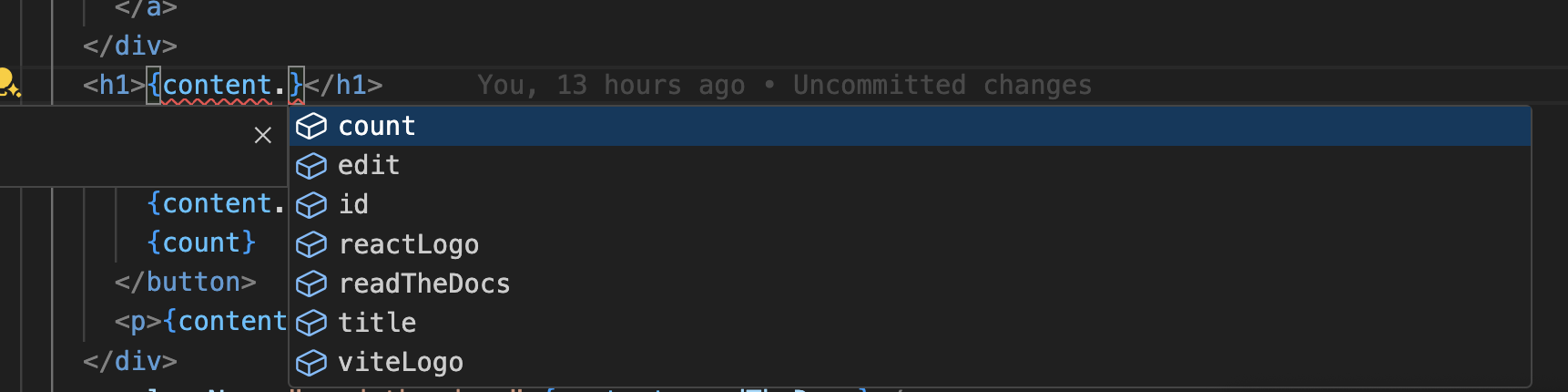
- 翻訳キーの オートコンプリート。
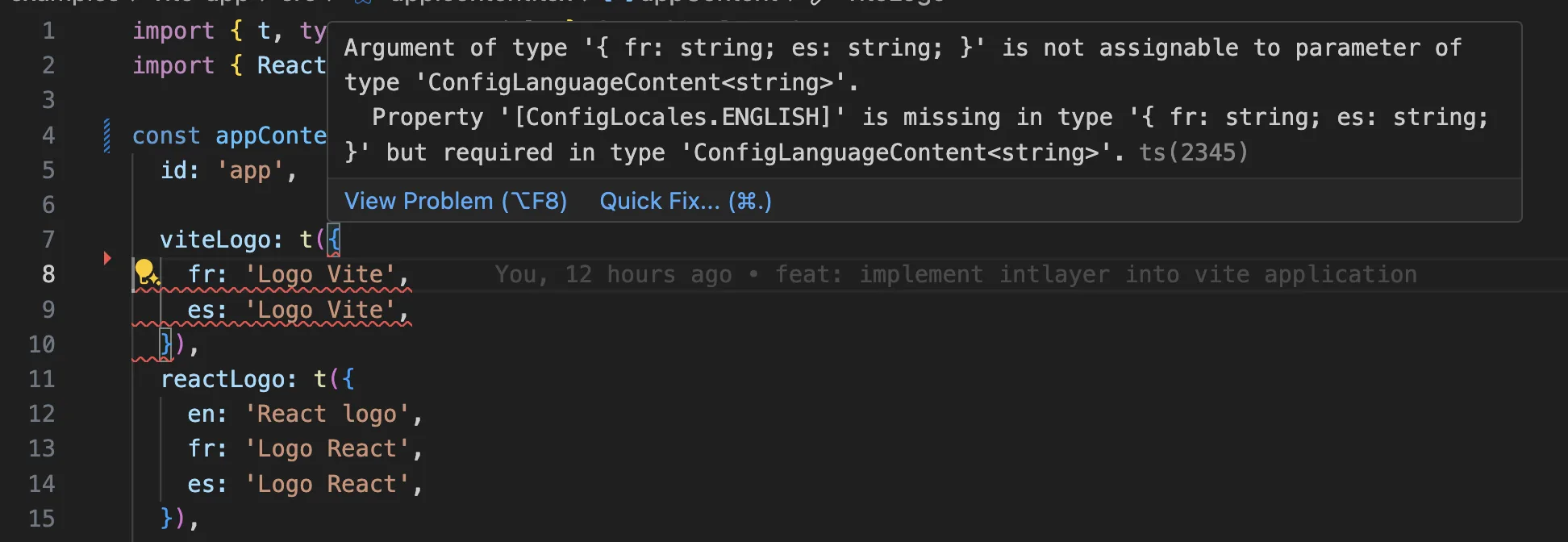
- 翻訳漏れの リアルタイムエラー検出。
- 翻訳済みコンテンツの インラインプレビュー。
- 翻訳を簡単に作成・更新するための クイックアクション。
拡張機能の使用方法の詳細については、Intlayer VS Code Extension ドキュメント を参照してください。
さらに詳しく
さらに詳しく知るには、ビジュアルエディター を実装するか、CMS を使用してコンテンツを外部化することができます。
よくある質問
@angular/localize、組み込みのi18n: メッセージはXLIFFに抽出され、各ロケールは独自のビルドにコンパイルされます。これは、言語ごとに1つのデプロイメント成果物があり、実行時にロケールを切り替えることができないことを意味します。ngx-translateおよびTransloco: サービスを通じてロードされる実行時JSONカタログで、ロケール切り替えは可能ですが、ビルド時の型付けはありません。Intlayer: 最も先進的なソリューションです。コンテンツはコードベースのどこにでも宣言でき(各コンポーネントの隣または一元化)、ビルド時にコンパイルされ、完全に型付けされており、実行時のロケール切り替え、AI翻訳、ビジュアルエディター、CMSを備えています。
このガイドはAngular 19を対象としています。Angular 21以降については、Angularガイドに従ってください。Intlayerを選ぶ理由をご覧ください。
ほとんど可能です。ngx-translate移行ガイドまたはTransloco移行ガイドに従ってコンテンツを移行してください。段階的に移行することも可能です。sync JSON pluginは、既存のJSONカタログを信頼できる情報源として保持し、それらからIntlayer辞書を生成するため、テンプレートを一つずつ移行する間も両方のレイヤーが同期を保ちます。
はい、できます。sync JSON pluginは、/messages/{locale}/{namespace}.jsonファイルを信頼できる情報源として保持し、双方向でそれらからIntlayer辞書を生成します。sync PO pluginはgettextカタログに対しても同様の機能を提供し、ロケールごとのファイルを使用すると、複数のロケールを1つのファイルにまとめるのではなく、言語ごとにコンテンツを分割できます。
いいえ。npx intlayer extractを実行すると、Intlayerはソースファイルを読み込み、ユーザー向けの文字列を抽出し、それぞれの隣に.contentファイルを書き込みます。これにより、文字列をカタログに一つずつコピーする代わりに、差分を確認するだけで済みます。extractコマンドをご覧ください。
完全に自動化されたパイプラインの場合、Intlayer Compilerはビルド時にJSX、TSX、Vue、Svelteのソースに対して同じ処理を行い、変更があるたびに辞書を生成するため、手動でキーを管理する必要がありません。これは静的解析によって機能するため、実行時にのみ存在する文字列は対象外となり、ユーザー向けのテキストとアプリケーションロジックを区別するためにいくつかの注釈が必要です。
5つのツールがあり、すべてオプションです。
- VS Code extension:
useIntlayerキーからそれを宣言するコンテンツファイルにジャンプしたり、コンポーネントからコンテンツを抽出したり、コマンドパレットまたは専用のIntlayerタブからビルド、フィル、テスト、プッシュ、プルを実行したりできます。 - LSP server: LSPをサポートする任意のエディターで同様の認識機能を提供します。定義へのジャンプ、すべての参照の検索、翻訳された値のホバープレビュー、キーとフィールドのオートコンプリート、キーがどこにも宣言されていない場合の警告などがあります。また、
i18next、react-i18next、next-intl、use-intlの呼び出しも解決するため、移行中に役立ちます。 - MCP server: IntlayerのドキュメントとCLIをCursor、VS Code、Claude Desktop、Claude Code、ChatGPTに公開します。これにより、アシスタントは推測ではなく現在のドキュメントから回答し、
intlayer fillなどのコマンドを自分で実行できます。 - Agent skills:
intlayer-config、intlayer-cli、intlayer-contentなどの特化したスキルに加え、フレームワークごとのスキルがあり、エージェントにルーティング設定とコンテンツノードタイプを教えます。 - ESLint plugin:
no-raw-textはハードコードされた文字列を検出し、静的辞書キーや未使用のコンテンツに対する追加のルールも提供します。